Tips In Word
WORD ALT-X SYMBOL GUIDES
Practical Digital Reference Guides for use with Microsoft Word
Microsoft Word can produce thousands of Unicode symbols with a simple shortcut:
Type the Unicode code → Press Alt+X → Get the Symbol
(then toggle back to code with Alt+X)
Unicode symbols are frequency used for:
Legal Symbols ★ Currency ★ Mathematics ★ Arrows ★ Punctuation ★
Check Marks ★ Stars ★ Greek Letters ★ and Special Characters
[The arrows (code 2192) and stars (code 2605) above are examples of Unicode symbols.]
Did you know you can insert hundreds of symbols in Microsoft Word without hunting through the Symbol menu? Simply type the Unicode code, press Alt+X, and Word converts it instantly. Press Alt+X again to toggle back to the code.
There are over 100,000 Unicode symbols, most in Chinese and
languages other than English.
My downloadable/searchable guides put these codes at your fingertips...
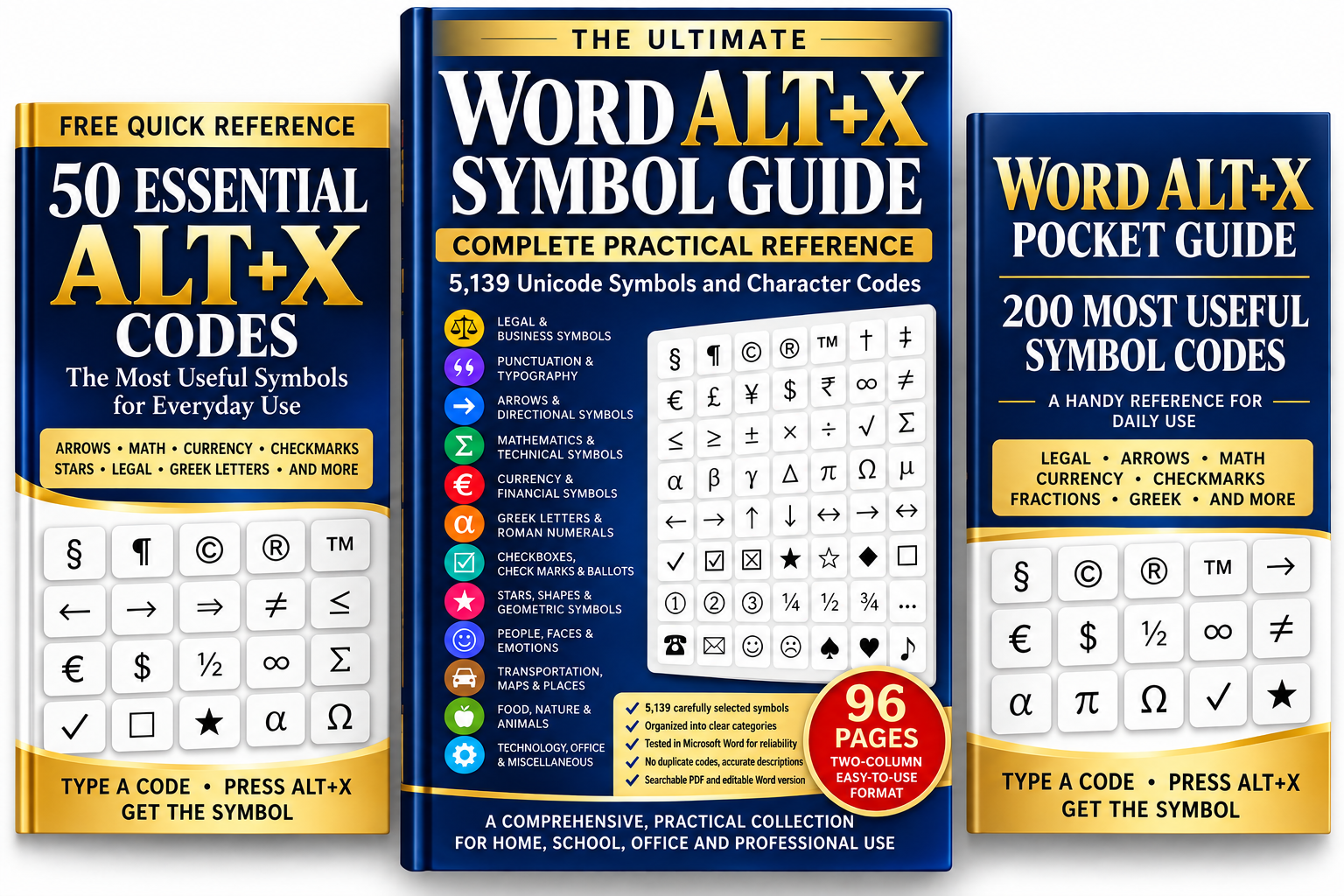
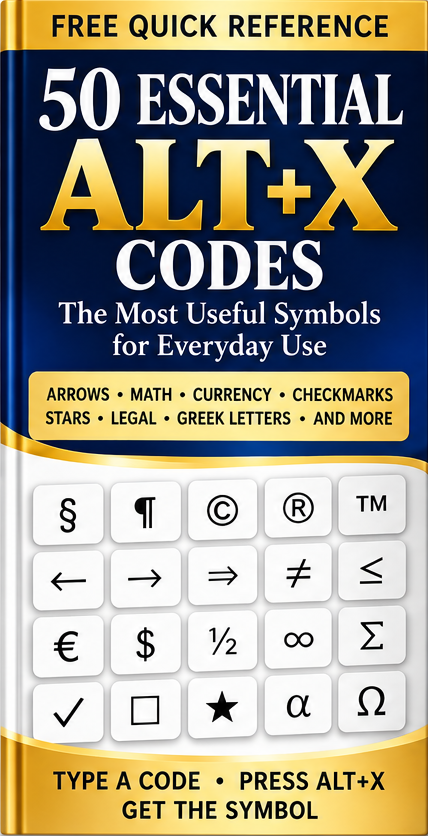
- The FREE 50 Essential Alt+X Symbols Guide
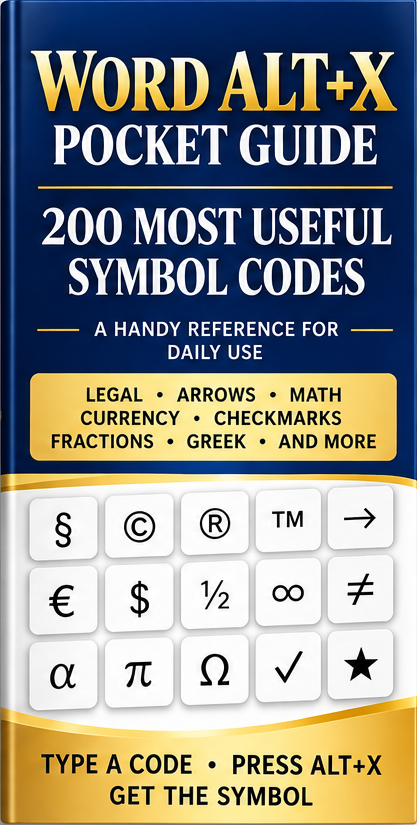
- A 200-Symbol Pocket Guide — for $4.99
- Ultimate Word Alt+X Symbol Guide — for $14.99
- The Collection of all three guides — for $17.99.
WHICH GUIDE SHOULD I CHOOSE?
I occasionally need common symbols. Get the FREE 50 Essential Symbols Guide.
I prepare professional documents. Choose the 200-Symbol Pocket Guide — $4.99.
I want 5,000+ symbols. Get the Ultimate Word Alt+X Symbol Guide — $14.99.
I want everything. Get the Complete Collection — $17.99.
KEEP THE SYMBOLS YOU NEED WITHIN REACH
Whether you're drafting a contract, preparing a report, writing an article, creating educational materials, or simply trying to find that one unusual character,
there's an Alt+X code that can make the job easier.
Start with 50 symbols absolutely free.
In 1983 Microsoft released Multi-Tool Word for Xenix and MS-DOS, soon shortening the name to Microsoft Word. It supported a mouse—unusual for word processors at the time. In 1985 Word for Macintosh brought Word to a graphical interface, making fonts and page formatting easier to see while editing. In 1989 the first Word for Windows appeared. Its popularity grew as Windows became more widely used.
The author is an attorney who has used Microsoft Word since 1983.

Ultimate Word Alt+X Symbol Guide — $14.99
More than 5,000 symbols.
Stop searching through menus. Type the Unicode code, press Alt+X, and insert the symbol you need.
The reference for when you know the symbol exists—you just need to find its code.
This is a searchable PDF organized by categories, with symbols + Unicode/Alt+X code and color images.